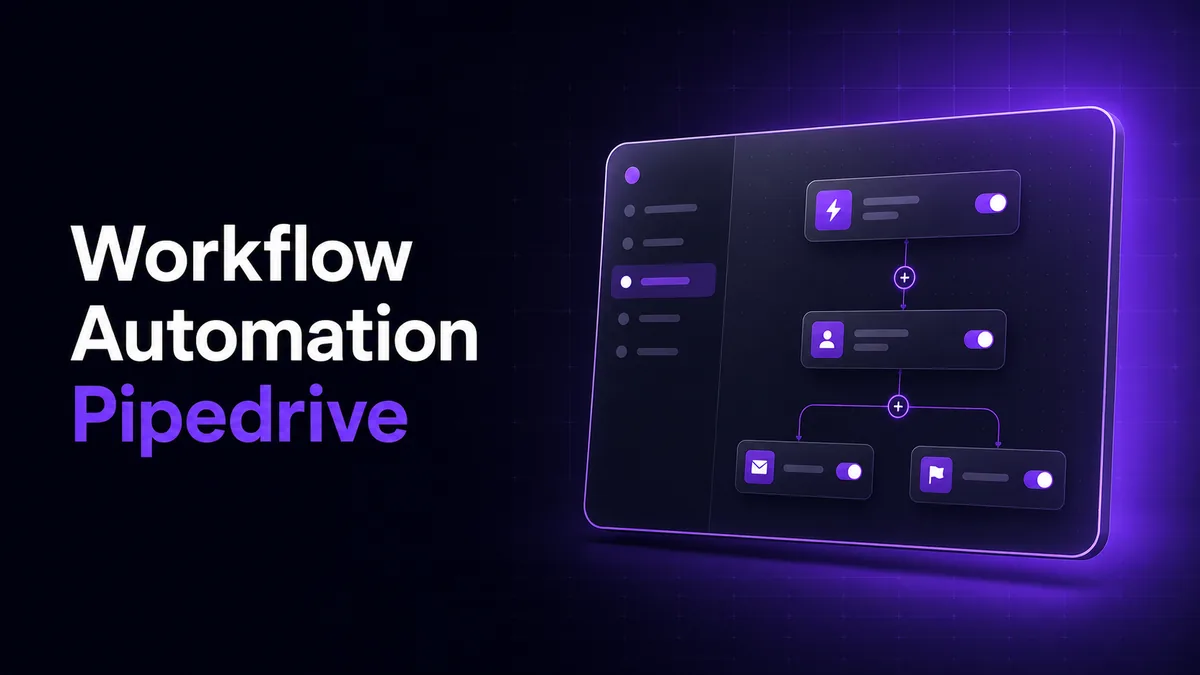
Workflow Automation Pipedrive
Workflow Automation Pipedrive turns stage changes, lead labels, activities, and forecast fields into controlled RevOps actions with traceable execution.
Built around Pipedrive automations, this downloadable RevOps tool connects pipeline design, follow-up rules, KPI reporting, and forecasting in one governed system. It is designed for sales teams whose CRM contains inconsistent stages, missing next activities, stale deal values, or reports that require repeated spreadsheet cleanup.
The system combines native CRM rules with a small orchestration service for cases that need cross-tool logic, audit history, retries, or scheduled calculations. Every rule has an owner, trigger, conditions, action path, and failure record.
What Workflow Automation Pipedrive controls
Workflow Automation Pipedrive treats the CRM as an operating system for the sales process rather than a passive database. A lead-label change can assign an owner, create an activity, start a timed follow-up, and update the reporting dataset without requiring four separate manual steps.
The implementation follows the Pipedrive API reference and webhook model, with event IDs stored before processing to prevent duplicate actions. Native automations handle straightforward record updates; external workflows handle branching logic, data transformations, and integrations.
Why RevOps teams need controlled automation
Automation is useful only when CRM fields have clear meanings. The tool therefore ships with a pipeline dictionary covering stage entry criteria, required fields, forecast categories, activity expectations, and lost-reason rules.
This matters because poor CRM data damages both execution and reporting. Validity’s 2025 CRM data management study surveyed 602 CRM users and stakeholders, while Clari’s 2025 enterprise revenue benchmark found that many organizations fail to record closed-lost reasons consistently. The build addresses those gaps with required-field checks, automatic task creation, and exception queues.
Core Features
| Feature | Description |
|---|---|
| Stage-Gated Pipeline Rules | Reps often move deals forward before essential information exists. The tool checks required fields, forecast category, next activity, and ownership before downstream actions run. |
| Lead Label Routing | New leads are easily missed when labels are applied inconsistently. Pipedrive lead labels workflow automation maps each approved label to an owner, priority, activity type, and response window. |
| Timed Follow-Up Paths | Follow-ups disappear when timing depends on memory. The Pipedrive workflow automation delay feature schedules stage-based reminders, waits for defined conditions, and cancels obsolete actions when deal status changes. |
| Template-Based Sales Emails | Manual messages vary by rep and may omit required context. The Pipedrive workflow automation send email action template selects an approved template using pipeline, stage, label, and activity outcome. |
| Signature-Safe Email Actions | Automated emails can look inconsistent across users. Pipedrive workflow automation send email signature settings are validated against the sending user and approved template configuration before activation. |
| Forecast Dataset Builder | Leadership reports become unreliable when probability and expected-close fields drift. The tool normalizes forecast categories, flags stale dates, and recalculates weighted pipeline snapshots. |
| KPI Dashboard and Audit Log | Teams lose trust when a dashboard cannot explain its numbers. Every KPI links back to source deals, rule versions, timestamps, skipped records, and processing errors. |
| Integration Adapters | Copying records between systems creates lag and mismatched ownership. Approved events can pass through Zapier’s Pipedrive integration or Make’s Pipedrive modules with mapped IDs and retry handling. |
Pipedrive workflow automation features that ship with the tool
The included Pipedrive workflow automation features cover lead assignment, activity creation, stage-entry validation, delayed follow-ups, automated email templates, stale-deal alerts, lost-reason enforcement, daily forecast snapshots, and KPI refreshes.
A built-in rules register documents trigger scope, field dependencies, expected actions, rollback behavior, and test records. It complements the official Pipedrive workflow automation documentation by showing how each configured rule behaves inside this specific revenue process.
Architecture and Tech Stack
| Component | Why it is used |
|---|---|
| Pipedrive native automations | Best for immediate deal, lead, person, organization, activity, and email actions that remain inside the CRM. |
| FastAPI orchestration service | Receives webhooks, validates signatures, applies branching rules, exposes health endpoints, and returns clear processing responses. |
| PostgreSQL event store | Keeps event IDs, rule versions, forecast snapshots, retries, and audit records queryable without changing CRM history. |
| Background scheduler | Runs stale-deal checks, delayed actions, daily snapshots, and controlled reprocessing without blocking webhook delivery. |
| Docker package | Keeps the API, scheduler, configuration, and database migrations consistent across local and hosted deployments. |
Credentials are loaded from environment variables and excluded from event logs. The connector requests only the deal, lead, activity, user, field, and webhook access required by the configured rules. Failed events remain replayable without issuing the same CRM action twice.
Workflow Automation Pipedrive validation gates
Before a rule is enabled, the tool runs fixture records through trigger, condition, action, cancellation, and retry paths. Acceptance targets are explicit rather than implied.
| Validation target | Threshold |
|---|---|
| Webhook acknowledgement | Within 5 seconds under normal load |
| Standard action completion | Within 60 seconds, excluding configured delays |
| Duplicate prevention | One processed action set per event ID |
| Retry policy | 3 attempts with progressive backoff |
| Dashboard refresh | Every 15 minutes plus manual refresh |
| Forecast snapshot | Daily and on demand |
These are deployment acceptance targets, not claims about sales outcomes. Business impact is measured separately through activity completion, stage aging, forecast variance, conversion by source, and rule-exception volume.
Use Cases
- Prevent unworked inbound leads: apply an approved label, assign the correct owner, create the first activity, and surface any record that misses its response window.
- Enforce stage discipline: stop reporting drift by checking required fields and next activities whenever a deal enters a qualified, proposal, or commit stage.
- Run consistent follow-up sequences: schedule email and activity steps, then cancel later actions when the prospect replies, the deal moves, or ownership changes.
- Produce forecast-ready reporting: create daily pipeline snapshots, identify stale close dates, and separate commit, best-case, pipeline, won, and lost records.
- Connect adjacent systems: send approved deal events to forms, messaging, spreadsheets, or internal tools while preserving Pipedrive record IDs for reconciliation.
Project Directory
workflow-automation-pipedrive/
├── app/
│   ├── main.py
│   ├── api/
│   │   ├── webhooks.py
│   │   ├── health.py
│   │   └── reports.py
│   ├── automation/
│   │   ├── trigger_router.py
│   │   ├── condition_engine.py
│   │   ├── action_runner.py
│   │   ├── delay_scheduler.py
│   │   └── deduplication.py
│   ├── pipedrive/
│   │   ├── connector.py
│   │   ├── fields.py
│   │   ├── pipelines.py
│   │   └── email_templates.py
│   ├── revops/
│   │   ├── forecasting.py
│   │   ├── kpi_calculator.py
│   │   ├── stage_policy.py
│   │   └── lost_reason_audit.py
│   ├── integrations/
│   │   ├── zapier_adapter.py
│   │   └── make_adapter.py
│   ├── dashboard/
│   │   ├── templates/
│   │   └── static/
│   └── database/
│       ├── models.py
│       └── migrations/
├── config/
│   ├── pipelines.yaml
│   ├── lead_labels.yaml
│   ├── email_rules.yaml
│   └── kpis.yaml
├── tests/
│   ├── test_triggers.py
│   ├── test_delays.py
│   ├── test_forecasting.py
│   └── fixtures/
├── scripts/
│   ├── import_configuration.py
│   └── replay_failed_events.py
├── docker-compose.yml
├── Dockerfile
├── requirements.txt
└── README.md
How to Automate Revenue Operations Using Workflow Automation Pipedrive
Download & Set Up the Project
Download, set up, and install Workflow Automation Pipedrive to get the project running. If you hit any difficulty, contact us here.
Open the RevOps Console
Open the browser dashboard, connect Pipedrive, and import the supplied pipeline, label, email, KPI, and forecast configuration files.
Review Rules and Fields
Choose the pipeline, stage, owner, lead label, delay, activity type, email template, and forecast category, then save each approved rule.
Run Sync and Recalculate
Select Run Sync & Recalculate to update Pipedrive, process queued events, refresh KPI cards, and export the exception and forecast reports.
CogworkLabs also provides Pipedrive workflow customization and CRM integration and monitoring when the supplied rules must be adapted to an existing sales stack.
FAQs
Does Pipedrive add email signature to workflow automation emails?
Pipedrive can send automated emails using configured email actions and templates, but signature behavior must be tested for the sending user and selected action. This tool includes a pre-activation check against Pipedrive email template guidance so each automated message uses the intended template and sender configuration.
How to set up workflow automation in Pipedrive?
Start by defining the trigger, conditions, actions, field dependencies, and cancellation rules for one sales event. The tool imports those definitions, validates them with fixture records, and publishes approved rules to the CRM while keeping external branching and audit logic in the orchestration service.
