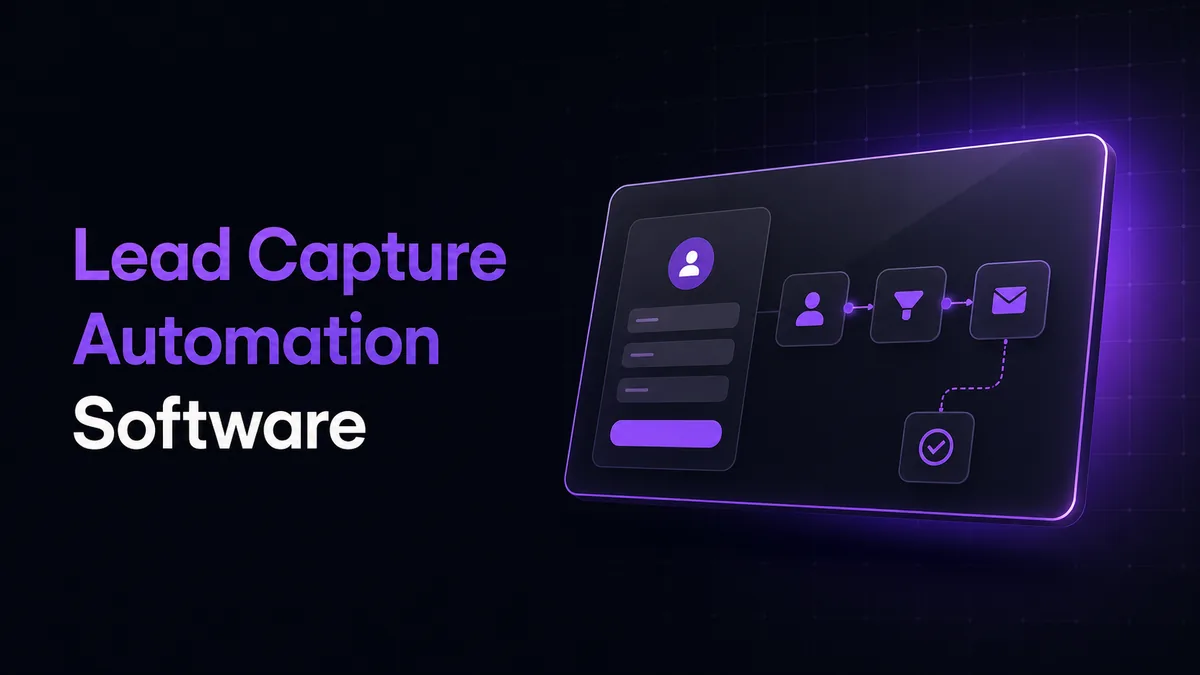
Lead capture automation software that turns each web-form submission into an enriched, scored, searchable system-of-record entry and alerts the appropriate team channel.
Lead Capture Automation Software: What It Does
This workflow receives a form submission, validates name, email, company, message, and source, enriches the company through the Apollo Organization Enrichment endpoint, calculates a transparent 0–100 fit score, writes one normalized record through the Airtable Create Records API, and sends a concise alert through a Slack incoming webhook.
The delivered package includes an importable JSON following the documented n8n workflow export format, field maps, scoring rules, test fixtures, maintenance notes, and a 5-minute walkthrough.
The workflow is deliberately deterministic. Every score can be traced to a rule such as employee range, company match status, business email, or message completeness. This makes the automated lead capture system easier to audit than a black-box qualification model and simpler to maintain when qualification criteria change.
The event-driven architecture starts with an n8n Webhook node. A form sends a POST request, enrichment and scoring run immediately, Airtable receives the processed record, and Slack receives the review summary. Email can be selected through n8n’s Send Email node.
Core Features
| Feature | Description |
|---|---|
| Web Form Payload Capture | Missing or inconsistently named fields make leads difficult to process. The webhook maps common form keys into a fixed schema and rejects submissions without the minimum required contact data. |
| Apollo Company Enrichment | Manual company research delays first review. The workflow matches by domain, company name, or website and appends employee range, industry, location, and match status when Apollo returns them. |
| Explainable Lead Scoring | Vague qualification rules cause inconsistent follow-up. A configurable rules file assigns points for company size, enrichment confidence, business email, and message completeness, then records the score breakdown. |
| Airtable System of Record | Leads scattered across inboxes cannot be searched reliably. Each run creates one Airtable row containing form data, enriched fields, score, processing status, timestamps, and a workflow execution ID. |
| Slack or Email Summary | Teams lose response time when someone must monitor form notifications. The workflow sends contact details, company facts, score, message excerpt, and a direct Airtable record link. |
| Retry and Failure Logging | Temporary API failures can silently drop records. Apollo, Airtable, and notification requests retry up to three times before entering an error branch that records the payload and failed stage. |
| Duplicate Guard | Repeat submissions can create competing records. The workflow checks normalized email plus company domain before creation and updates the existing Airtable record when a match is found. |
| Maintainable JSON Delivery | Credentials embedded in exports create security and handover problems. The JSON uses named n8n credentials, environment variables, documented node labels, and a separate scoring configuration. |
Salesforce workflow automation research found that 95% of surveyed IT and engineering leaders prioritized workflow automation. A separate McKinsey sales productivity analysis describes automation freeing roughly 20% of sales-team capacity.
This build targets the administrative work behind those findings: copying form data, researching a company, applying first-pass rules, filing the result, and notifying reviewers.
Use Cases
-
Review high-fit enquiries first: A sales team sorts Airtable by score and opens the highest-ranked records with company context already attached.
-
Preserve every website enquiry: Operations receives a searchable record even when Slack or email delivery fails because notification status is stored separately from lead creation.
-
Compare lead quality by source: Marketing teams use captured source, enrichment, and score fields to compare forms, landing pages, or campaigns without rebuilding the workflow.
-
Route specialist enquiries: Rules can flag enterprise-size companies or selected industries so the alert names the appropriate reviewer without adding a full CRM routing layer.
-
Create a clean downstream handoff: Marketing automation software with lead capture campaigns can consume the normalized Airtable record later, while this workflow remains responsible for intake, enrichment, scoring, and notification.
A Recommended Stack for Lead Capture to Nurture Automation
n8n was selected because its visual workflow and exported JSON make every branch inspectable and portable. Apollo handles firmographic enrichment without screen scraping. Airtable provides an operational table with direct record links. Slack or SMTP delivers the final human alert.
This is a recommended stack for lead capture to nurture automation when the immediate requirement is a dependable upstream record. It does not start email sequences or manage campaign timing. Instead, it produces verified fields and a documented score that a separate nurture workflow can consume.
Credentials remain outside the exported workflow. The Apollo key, Airtable token, Slack webhook, and SMTP details are attached through n8n credentials or environment variables. Logs retain execution IDs and processing statuses, while long message fields are truncated in notifications to reduce unnecessary exposure of submitted content.
Project Directory
lead-capture-automation/
├── workflows/
│   ├── lead-capture-airtable.json
│   └── lead-capture-email-fallback.json
├── config/
│   ├── scoring-rules.example.json
│   ├── field-map.example.json
│   └── notification-template.md
├── docs/
│   ├── architecture.md
│   ├── airtable-schema.md
│   ├── credentials-setup.md
│   ├── maintenance-runbook.md
│   └── loom-walkthrough.md
├── tests/
│   ├── fixtures/
│   │   ├── complete-lead.json
│   │   ├── missing-company.json
│   │   └── duplicate-lead.json
│   ├── expected/
│   │   ├── scored-lead.json
│   │   └── airtable-record.json
│   └── test-cases.md
├── scripts/
│   ├── validate-workflow.mjs
│   └── redact-export.mjs
├── .env.example
├── package.json
└── README.md
Maintaining the Lead Capture Automation Software
The scoring rules and form-field map are separated from the workflow graph, so routine changes do not require editing every node. The maintenance guide covers credential rotation, Airtable schema changes, failed-run replay, duplicate matching, and notification-channel replacement.
CogworkLabs also provides workflow automation customization and ongoing workflow maintenance when the form, scoring model, or destination stack changes.
How to Capture and Score Leads Using Lead Capture Automation Software
Download & Set Up the Project
Download, set up, and install Lead Capture Automation Software to get the project running. If you hit any difficulty, contact us here.
Open the Workflow
Import lead-capture-airtable.json in n8n, open the workflow canvas, and attach the Apollo, Airtable, Slack, or SMTP credentials named in the setup guide.
Configure Rules and Fields
Set the form field map, Airtable base and table IDs, employee-size score bands, duplicate key, alert channel, and minimum required contact fields.
Activate and Submit
Select Active, submit a test form, then receive the enriched Airtable record, 0–100 score breakdown, processing status, and Slack or email summary.
FAQs
Does this use AI tools to automate lead capture?
No. The core workflow uses deterministic scoring rules rather than a generative model. Apollo supplies company data, while n8n applies visible conditions that can be tested, explained, and revised individually.
Teams evaluating AI tools to automate lead capture can use this approach when predictable scoring and clear maintenance are more important than model-generated decisions.
Does this replace automated lead capture and nurturing systems?
No. It covers form intake, enrichment, qualification, Airtable storage, duplicate handling, and team notification.
Automated lead capture and nurturing systems usually add email sequences, campaign timing, consent controls, and response-based branching after the upstream lead record has been created.
How are failed enrichment or notification steps handled?
A failed Apollo lookup does not discard the form submission. Airtable receives the available form fields together with an enrichment status that identifies the incomplete stage.
External requests retry up to three times. Terminal errors record the failed node and execution ID so the run can be reviewed and replayed after credentials or service availability are restored.
