Listicle
7 Best Practices for Automating Appointment Booking
Learn best practices for automating appointment booking with SMS follow-up, calendar workflows, reminders, and reporting that turn more leads into meetings.
 Zeeshan AhmadJul 10, 2026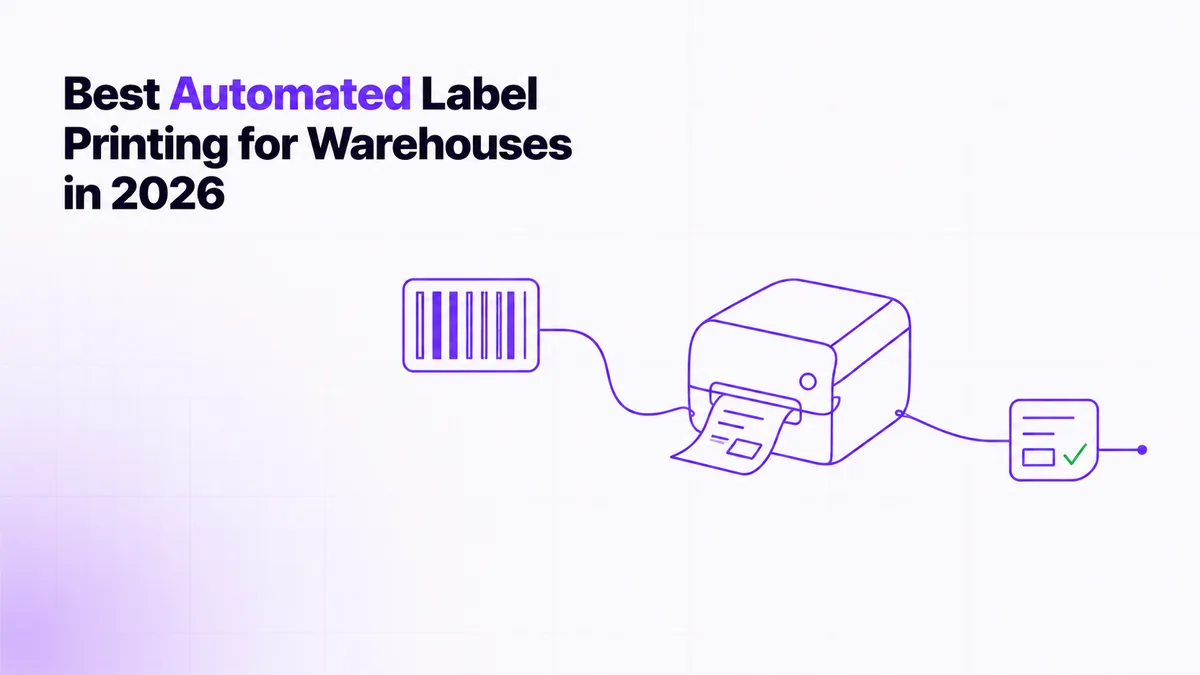
 Awais AhmadJul 10, 2026
A warehouse label flow fails after packing, while the carrier clock is running, and before anyone knows whether the last label printed. The best automated label printing solutions for warehouses in 2026 need more than template design. They need reliable triggers, ordered processing, and safe exception recovery.
In 2025, MHI and Deloitte reported that 83% of supply chain leaders expected to adopt robotics and automation within five years (MHI and Deloitte, 2025 Annual Industry Report). We compared seven options by fit, integration depth, exception handling, pricing, and custom engineering.
BarTender Automation is the general-purpose pick, Loftware Cloud the enterprise runner-up, and Power Automate Desktop the best fit for repetitive Windows workflows. In 2026, BarTender lists more than 12,000 printer drivers, a practical benchmark for mixed-device warehouses (BarTender, Pricing and Features).
BarTender Automation is the best overall choice when one warehouse must support several printer brands, data sources, and label types without replacing its existing stack. In 2026, BarTender prices its on-premises Automation edition from $575 per year and documents more than 12,000 supported printer drivers (BarTender, Pricing and Features).
Print jobs can enter through a REST API, watched file drop, database event, integration builder, or operator form. That makes the platform suitable for shipping labels, pallet labels, SSCC labels, RFID tags, and compliance labels from one governed template library.
The implementation detail that matters is printer identity. Bind templates to logical printer names, validate stock and DPI, and log the job ID before handing work to the Windows spooler. Otherwise, a successful request can hide a failed physical print. Best for: mixed warehouse environments and teams automating MES or ERP label printing. Pricing: from $575/year; enterprise controls require a quote.
Loftware Cloud is the better fit when labeling rules belong inside SAP, Oracle, or Microsoft Dynamics rather than at individual packing stations. In 2026, Loftware states that its driver ecosystem covers more than 5,000 printer models across over 100 brands (Loftware, Print Technologies).
The platform centralizes templates, approvals, business rules, version history, and print requests. Its certified connectors can also return job status to enterprise systems. A warehouse should not mark a delivery complete merely because it submitted a label request; it should record whether the print engine accepted, rendered, and routed the job.
Loftware earns its cost when multiple plants or partners must print the same governed label with local data and printers. The tradeoff is project weight: data mapping, role design, validation, and rollout need formal ownership. Define retry ownership early. Best for: global manufacturers and regulated supply chains. Pricing: quote-based, usually tied to edition, printers, and deployment scope.
TEKLYNX CENTRAL is the strongest option for organizations that need centralized control but prefer an on-premises or privately hosted deployment. In 2026, TEKLYNX documents that CENTRAL can manage unlimited printers from one server (TEKLYNX, CENTRAL Product Overview).
CENTRAL combines CODESOFT for design, SENTINEL for automated triggers, LABEL ARCHIVE for approval and history, and a browser interface for operators. Designers change controlled templates, approvers release versions, and warehouse staff see only the labels and fields permitted for their role.
The main risk is underestimating governance work. Printer permissions, fallback servers, approval states, and data-source credentials should be defined before migration. Browser printing reduces workstation setup, but every site still needs tests for printer language, darkness, speed, and stock. Test automatic backup with queued jobs before cutover, because a healthy secondary server may still replay jobs out of order. Best for: food, chemical, pharmaceutical, and industrial warehouses. Pricing: custom quote.
ShipStation is the most practical choice for smaller e-commerce operations that need carrier selection, automation rules, and scan-driven printing in one application. In 2026, ShipStation lists US plans at $14.99, $29.99, and $349.99 per month, with more than 200 carrier connections included (ShipStation, Subscription Plans).
Rules can assign service, package, weight, insurance, tags, and routing as orders import. Its Scan to Print feature uses three scans to open the order, capture scale weight, and purchase and print the label (ShipStation, Scan to Print).
The limitation is exception recovery. A carrier validation error, missing customs field, or printer fault still needs an operator path. Keep failed orders in a visible queue instead of repeatedly retrying the same shipment. At peak, separate order-data errors from printer failures so operators choose correction or reprint. Best for: teams comparing the best automated label printing software for shipping across 2025 and 2026. Pricing: from $14.99/month in the US.
ShipHero is the best choice when label printing must follow mobile picking, packing, inventory allocation, and warehouse routing inside one WMS. In 2026, ShipHero's published Standard plan is $1,850 per month for five users with unlimited SKUs and orders (ShipHero, Standard WMS).
ShipHero differs from a label designer because the label is an output of warehouse state: the order has been allocated, picked, packed, rated, and shipped. Its public GraphQL API exposes warehouse data and events such as order packed, package added, and generate label, giving developers a cleaner integration point than screen automation when the required operation is available (ShipHero, GraphQL Public API).
At the packing station, retries should confirm whether a shipment and tracking number already exist before buying another label. ShipHero is among the best automated label printing solutions for e-commerce fulfillment in 2025 and 2026, but it is costly if desktop printing is the only requirement. Best for: DTC brands and 3PLs. Pricing: from $1,850/month.
EasyPost is the best option for engineering teams that want label generation directly inside a WMS, order service, or packing application. In 2026, EasyPost offers free access for up to 3,000 labels using wallet carriers, while bring-your-own-carrier accounts start at $20 per month plus per-label fees (EasyPost, Pricing).
The API separates shipments, rates, label purchases, tracking, address verification, and insurance. Store the carrier shipment ID, tracking code, label URL, selected rate, and idempotency key before telling the station that printing is complete.
The tradeoff is ownership. EasyPost returns a label artifact, but your application still needs printer routing, queue management, retries, reprints, and a distinction between "label purchased" and "label physically printed." A local print agent is usually the missing layer. Use idempotent purchase calls and retain the original label artifact for reprints. Best for: custom fulfillment software and multi-carrier platforms. Pricing: free to 3,000 wallet-carrier labels; paid BYOCA and enterprise tiers.
Power Automate Desktop is the best fit when an existing Windows application has no suitable print API or the workflow needs ordered barcode lists, stop controls, and resume checkpoints. In 2026, Microsoft prices attended Power Automate Premium at $15 per user monthly and unattended Process licensing at $150 per bot monthly (Microsoft, Power Automate Pricing).
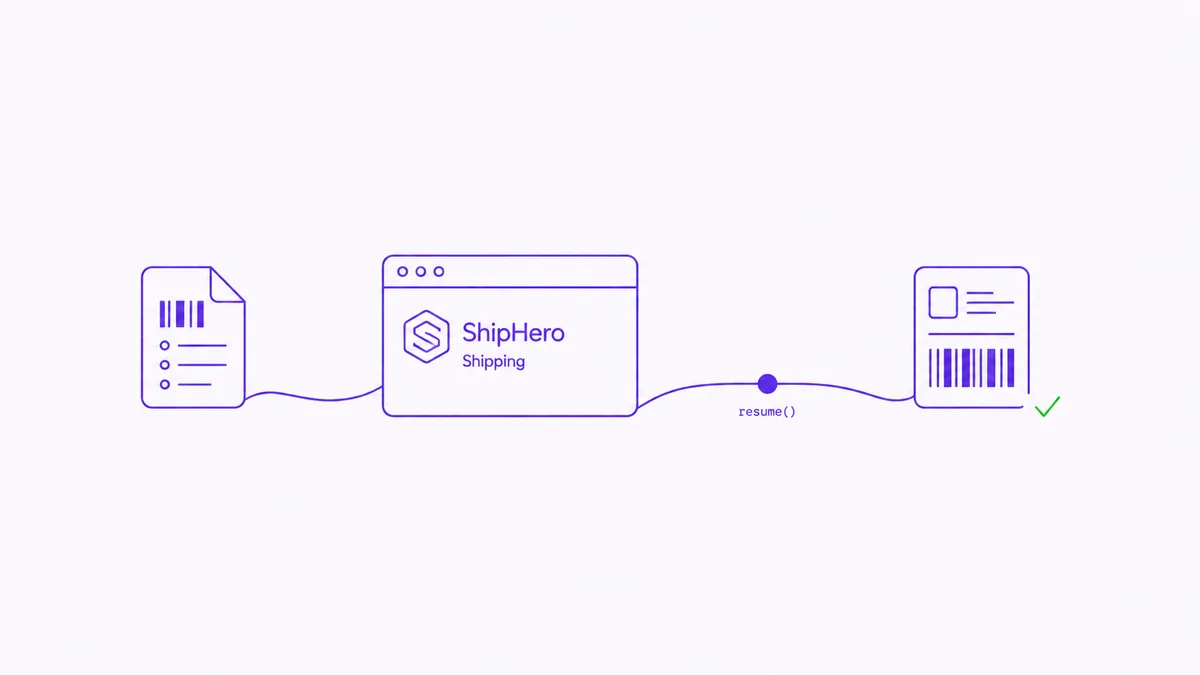
A reliable ShipHero flow should load cart codes from a text file, persist the current index after each confirmed label, and wait for a COMPLETE element before advancing. Microsoft's UI actions can wait for an image, while image fallback can recover when a selector stops matching (Microsoft, UI Automation Actions).
The flow should pause, not fail, when completion does not appear within the normal 2 to 8 seconds. An operator fixes the issue, prints manually, then resumes from the saved index by barcode or hotkey. Best for: ordered ShipHero cart processing. Pricing: from $15/user/month attended, excluding build and maintenance.
 Live
LiveAutomated Shipping Label Printing
Automated shipping label printing with resume checkpoints and ordered ShipHero cart processing.
The shortlist depends on whether labeling is a template, data, shipping, or Windows issue. In 2026, published entry prices range from EasyPost's free 3,000-label allowance to ShipHero's $1,850 monthly Standard plan (EasyPost Pricing; ShipHero Standard WMS).
| Tool | Best For | Pricing | Standout Feature |
|---|---|---|---|
| BarTender Automation | Mixed printers and labels | From $575/year | 12,000+ printer drivers |
| Loftware Cloud | ERP governance | Quote-based | Enterprise rules and job status |
| TEKLYNX CENTRAL | On-prem label control | Quote-based | Unlimited printers from one server |
| ShipStation | Small e-commerce teams | From $14.99/month | Three-scan label workflow |
| ShipHero | DTC and 3PLs | From $1,850/month | WMS-native shipping |
| EasyPost | Custom shipping apps | Free to 3,000 labels | Multi-carrier API |
| Power Automate Desktop | Windows shipping apps | From $15/user/month | Resume checkpoints |
We selected products that can own a meaningful part of the warehouse label lifecycle, not merely design a barcode. In 2026, MHI reported that 55% of supply chain leaders were increasing technology and innovation investment, making implementation fit more important than feature totals (MHI and Deloitte, 2026 Annual Industry Report).
This assessment uses current vendor documentation and implementation mechanics. It is not a print-speed benchmark, and no vendor paid for placement.
Choose by identifying which system should own shipment truth and which should confirm the physical print. In 2026, Microsoft's attended and unattended Power Automate prices differ by 10 times, at $15 per user versus $150 per bot monthly, so operating model alone can change the business case (Microsoft, Power Automate Pricing).
For automated label printing warehouse recommendations, document one failed-label scenario from trigger to recovery. That trace reveals whether you need a platform change or focused automation.
The automated shipping label printing process in logistics works only when label purchase, printer output, and shipment completion are separate states. In 2026, ShipStation's Scan to Print flow uses three barcode scans, showing how explicit station states reduce keyboard work and preserve sequence (ShipStation, Scan to Print).
Automated label printing in logistics starts when an order, carton, tote, or barcode event supplies shipment data to a rules engine or shipping API. The system validates the address, chooses a service, renders or buys the label, routes it to a named printer, and records the result. Production flows isolate failures and resume from the last confirmed shipment.
Automate warehouse operations and label printing by mapping the trigger, required data, decision rules, print endpoint, and exception path before selecting software. Use WMS or shipping APIs where available; reserve desktop automation for unreachable steps. Save a checkpoint after each label so an operator can correct an error and continue without duplicate postage.
BarTender Automation is the best general warehouse pick, Loftware Cloud is the enterprise choice, and Power Automate Desktop is the specialist option for recoverable ShipHero workflows. In 2026, published entry points range from $575 per year for BarTender Automation to $150 per month for an unattended Microsoft bot, so compare ownership scope, not subscription price alone. For ordered cart files, pause controls, and safe resume behavior, CogworkLabs can build the automated shipping label printing layer around the system you already use.
Learn best practices for automating appointment booking with SMS follow-up, calendar workflows, reminders, and reporting that turn more leads into meetings.
Zeeshan AhmadJul 10, 2026
See how to integrate workflow automation with existing CRM best practices for faster lead response, cleaner pipelines, and stronger call center performance.
Awais AhmadJul 10, 2026
Use this updated 2026 guide to evaluate the best voice ai for outbound sales calls 2025 shortlist for compliance, CRM integration, scale, and payments.
Awais AhmadJul 10, 2026